
Don’t Lose Data! Discover the Best Cloud Backup Solutions Today
Learn how cloud backups protect business data, how they work, what to look for in a solution and how to build an effective backup strategy.

Designed to safeguard your business-critical systems and data.
Acronis Cyber Protect runs on Servers Australia’s Acronis Cyber Infrastructure (ACI), delivering secure, reliable data protection built for Australian businesses. Easily scale your backup storage as your data increases, while maintaining protection across servers, VMs and workstations.

Acronis Cyber Protect brings protection, backup and recovery capabilities together in one platform.
All data stored locally within Australian Equinix data centres, for compliance and keeping customer data onshore.
Immutable storage, object-lock, and threat protection safeguard backups from tampering or encryption attacks.
Includes immutable storage, advanced threat defences, and strong encryption to safeguard data.
Hosted on Servers Australia's Acronis Cyber Infrastructure platform in SYD1, SY3, and SY4 with built-in geo-replication.
Optimise your bandwidth with unmetered inbound backup traffic dedicated to your Acronis backup port.
Secure coverage across physical, virtual, and cloud environments — all designed to keep your business running with confidence.
Full image and file-level protection covers physical servers, virtual machines, cloud workloads, and endpoints.
Manage all backups, protection policies, and alerting from one interface, with RBAC for MSPs and large teams.
Deduplication, compression, and multi-replica storage reduce costs while improving performance and reliability.
Safeguard against hardware outages and data loss by duplicating your local backups into our secure, Australian cloud infrastructure.
Streamline endpoint management by consolidating backups from various branch locations into a single, unified cloud repository.
Easily scale your backup storage as your data increases, with automatic expansion and no need for infrastructure changes.
Full-image and file-level restore, bare-metal recovery, and instant VM spin-up to reduce downtime.
Maintain business continuity by rapidly bringing critical systems and data back online directly from the cloud following a major outage.
Restore systems and files quickly via the portal, with optional assisted recovery from our support team.
Blend the speed of local, on-premises storage with the robust, long-term resilience of cloud backups.
Only pay for the storage you use with cost-effective, graduated billing tiers that automatically adjust to your capacity needs.
Rest easy knowing your business data is securely retained for 30 days even if you cancel your service, ensuring a safe buffer before permanent deletion.
Combine Acronis protection with Servers Australia's established infrastructure and data centre presence across Australia.
Access an Australian technical team with experience across the infrastructure supporting your protected workloads.
Get assistance assessing requirements, designing protection and implementing solutions around your environment.
Connect Acronis with cloud, dedicated servers, storage, networking and other Servers Australia infrastructure.
Build data protection around Australian-hosted infrastructure where data location and sovereignty are important requirements.
Design protection around your workloads, infrastructure, recovery objectives and wider business requirements.
Compare common backup approaches and understand how each can help protect data, provide recovery points and restore workloads when something goes wrong.
| Backup Approach | Protect | Recover & Restore |
|---|---|---|
| File Backup | Protect selected files and folders | Restore individual files or folders following deletion, corruption or loss |
| Server Backup | Protect server workloads and associated data | Recover server data and workloads following failure or disruption |
| Virtual Machine Backup | Capture virtual workloads and their data | Restore complete virtual machines or selected data from available recovery points |
| Application Backup | Protect application data and associated workloads | Restore application data following corruption, deletion or system failure |
| Offsite Backup | Maintain backup data away from the primary environment | Software-defined networking (SDN) simplifies scaling |
| Cloud Backup | Store protected data using scalable cloud infrastructure | Retrieve backup data when recovery is required |
| Scheduled Backups | Create recovery points according to a defined schedule | Select an appropriate available recovery point when restoring data |
| Retention Policies | Maintain multiple recovery points over defined periods | Recover an earlier version when recent data is unsuitable or compromised |
| Disaster Recovery | Combine backup with infrastructure and recovery planning | Restore critical systems and services as part of a wider continuity strategy |
Explore guides, technical insights and resources to help you protect workloads, plan for recovery and get more from your Acronis Cyber Protect.
Servers Australia’s Acronis Cyber Protect is a complete data protection solution that combines backup, disaster recovery, and cybersecurity tools in one easy-to-manage platform. Delivered on our locally hosted ACI infrastructure, it helps businesses safeguard their systems and data from loss, corruption, or cyberattacks — with the added assurance that all backup data is stored securely within our Australian Data Centres.
Servers Australia's Acronis Cyber Protect Backup solution automatically copies and stores your data in secure top tier Australian data centres. If your files are lost, damaged, or encrypted by ransomware, you can quickly restore them to keep your business running.
Unlike basic cloud backups, Servers Australia's Acronis Cyber Protect solution includes advanced security and monitoring capabilities, such as ransomware protection, vulnerability assessments, and backup verification.
Yes. Servers Australia's Acronis Cyber Protect platform supports backups for physical servers, virtual machines, workstations, and cloud environments, making it suitable for mixed or hybrid infrastructure. It's also perfect for simple cPanel and Plesk web hosting backup requirements.
With Servers Australia’s Acronis Cyber Protect product, all backup data is securely stored on our Acronis Cyber Infrastructure platform within our top-tier Australian Data Centres. Your data never leaves our network, giving you complete sovereignty, local redundancy, and peace of mind that everything stays onshore and under your control.
Backups can be scheduled as often as needed — from hourly to daily or weekly — depending on your business requirements and available bandwidth.
Yes. Servers Australia's Acronis Cyber Protect lets you recover everything from single files or folders to entire systems, depending on your backup configuration.
Yes. Servers Australia's Acronis Cyber Protect includes built-in ransomware detection and recovery tools that automatically stop malicious processes and restore affected files.
Absolutely. Servers Australia's Acronis Cyber Protect offers flexible backup options that scale from small offices to large enterprise environments, making it accessible for all business sizes.
It depends on the size of your systems, how frequently you back up, and how long you keep previous versions. A good rule of thumb is to start with at least 2–3 times your data footprint for versioned backups.
Yes. Servers Australia's Acronis Cyber Protect can back up Microsoft 365 mailboxes, OneDrive, SharePoint, and Google Workspace data to ensure full business continuity.
All backups are encrypted during transfer and storage using AES-256 encryption. Optional multi-factor authentication (MFA) and role-based access control further enhance security.
Replicate local backups to secure, sovereign cloud storage for added protection against hardware failure or data loss.
Instantly restore critical systems and data from the cloud after outages or cyber incidents to keep operations running.
Centralise endpoint backup management by sending data from multiple locations to one cloud destination.
Keep all backup data within local data centres to meet regional compliance and governance requirements.
Combine on-premises and cloud storage for faster restores and long-term data resilience.
Backup account data, databases and configurations. Simple restoration in the case of accidental deletion or compromised sites.
Stay ahead of the curve with expert insights, practical tips, and the latest thinking in cloud and infrastructure.
Learn how cloud backups protect business data, how they work, what to look for in a solution and how to build an effective backup strategy.
Most business owners know the value of having data backups in case of a system failure. But if you’re only making on-site backups — either to an external hard drive or a USB thumb drive — you’re leaving your data vulnerable.

Failure of a server can sometimes be just due to sheer bad luck. While it may be impossible to ensure your server stays running 24×7, there are a few measures you can put in place to ensure that the chances of any downtime remain close to zero.
See how real businesses are transforming their operations and scaling faster with our infrastructure.
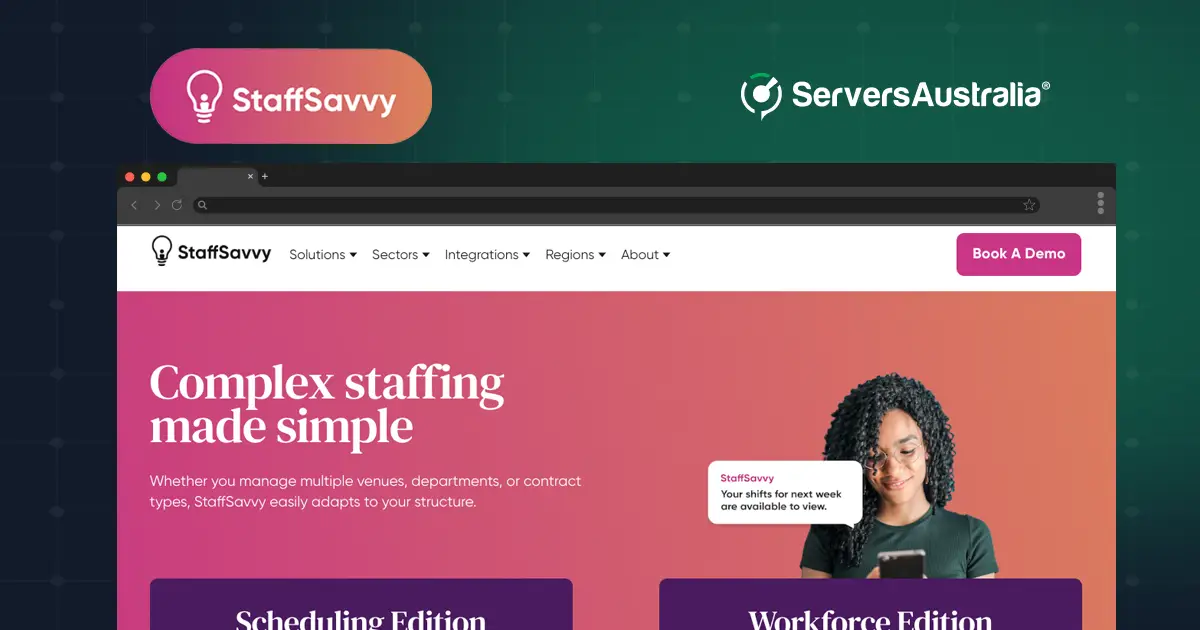
By partnering with Servers Australia, SmartBlue has built a resilient infrastructure platform that supports its Australian and New Zealand operations.
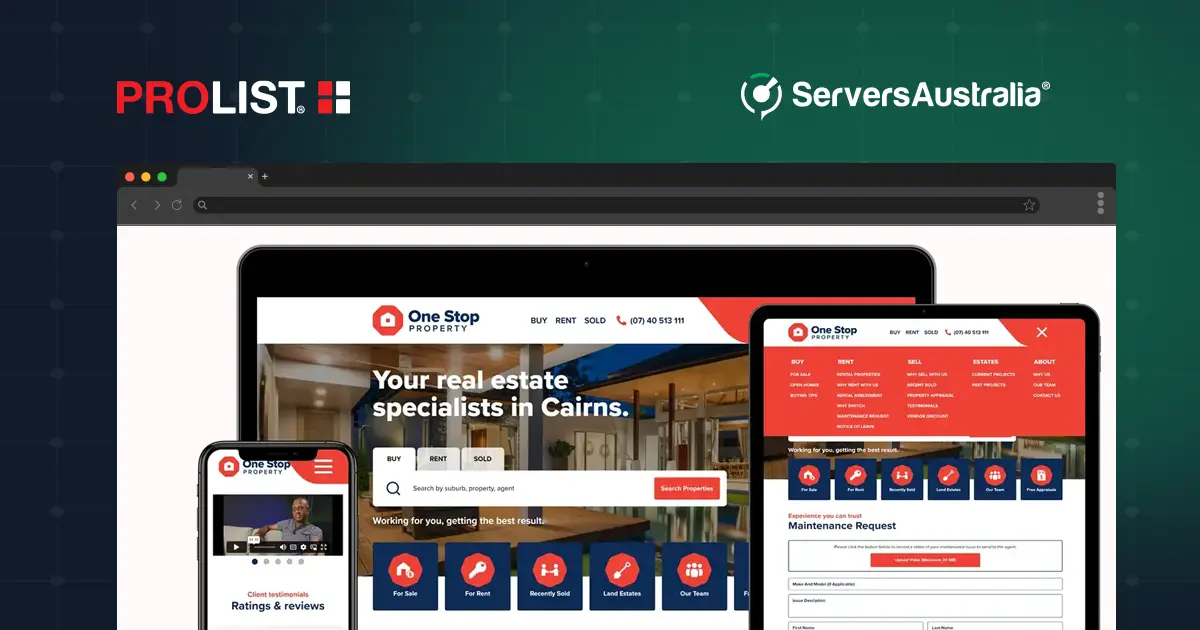
Discover how PROLIST doubled its infrastructure capacity with a scalable Virtual Data Centre from Servers Australia, reducing costs and supporting future growth.

TOTECS gained the performance, reliability and control needed to power always-on B2B ecommerce with dedicated infrastructure from Servers Australia.